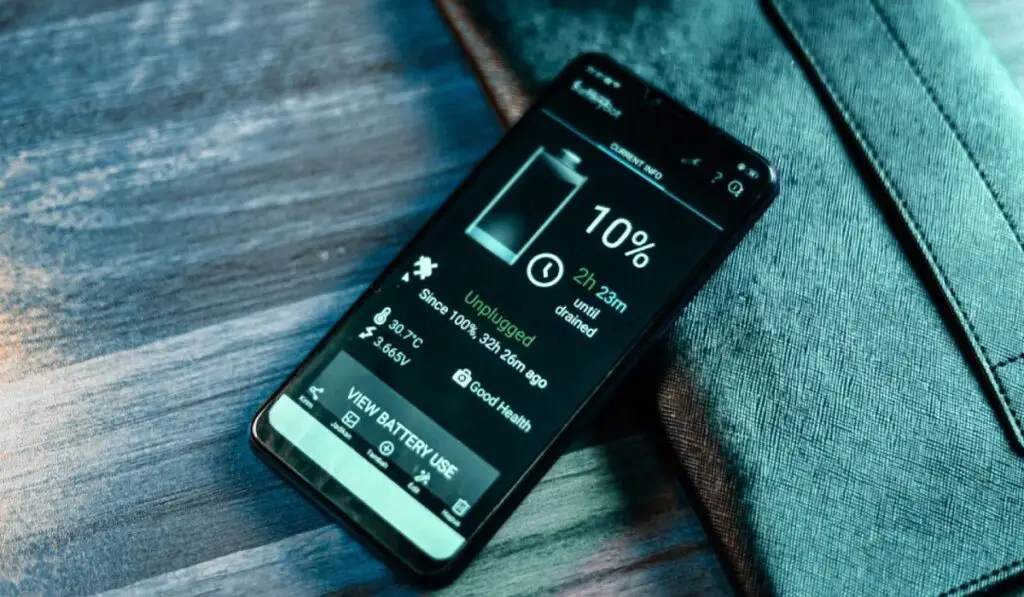
If your Android phone battery draining fast has become a daily frustration, you’re not alone. Many users notice sudden battery drops even when they are not gaming, watching videos, or using heavy apps. This issue can appear on both new and old Android devices and often has more than one cause.
In this detailed guide, you’ll learn why your Android phone battery draining fast, how it connects with other phone issues like overheating, storage problems, and internet errors, and exact fixes that actually work.
Why Does Android Phone Battery Draining Fast Happens
Before jumping to solutions, it’s important to understand the root causes. In most cases, an Android phone battery draining fast is not caused by a bad battery alone.
Common reasons include:
- Background apps running continuously
- Poor network signal
- Overheating issues
- Full storage and cache overload
- Software bugs or an outdated Android version
If you’ve already faced problems like Apps Not Opening on Android Phone↗️ or Mobile Data Not Working↗️, chances are these issues are connected.
1. Background Apps Consuming Battery Power
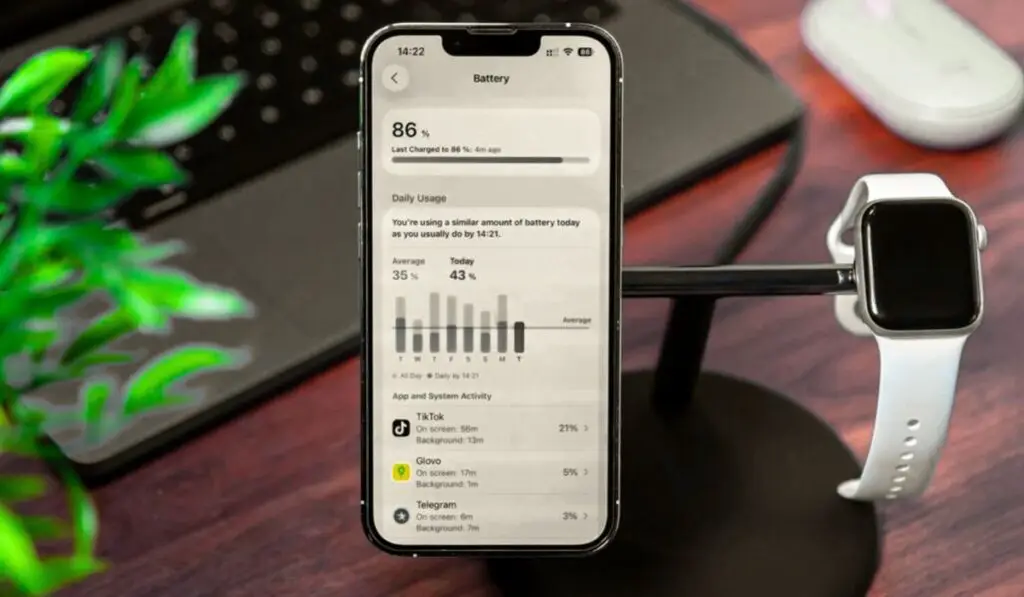
One of the biggest reasons Android phone battery draining fast is apps running silently in the background.
How to Fix:
- Go to Settings → Battery → Battery Usage
- Identify apps using excessive power
- Restrict or uninstall unnecessary apps
Apps like social media, navigation, and streaming services are common battery drainers.
📌 Related read: Apps Not Opening on Android Phone↗️ — overloaded apps often cause both crashes and battery drain.
2. Poor Network Signal Drains Battery
When your phone struggles to maintain a signal, it consumes more power.
This often happens when:
- Mobile data is unstable
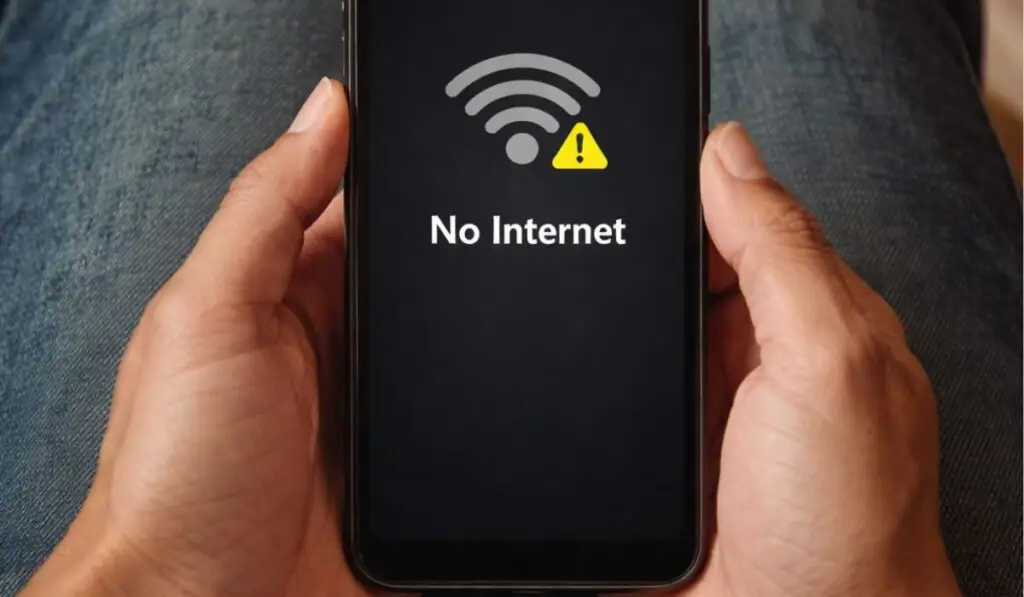
- WiFi is connected, but the internet is not working
📌 This directly links to:
Fix:
- Turn on Airplane Mode in weak signal areas
- Use WiFi instead of mobile data when possible
- Reset network settings if needed
3. Android Phone Overheating and Battery Drain
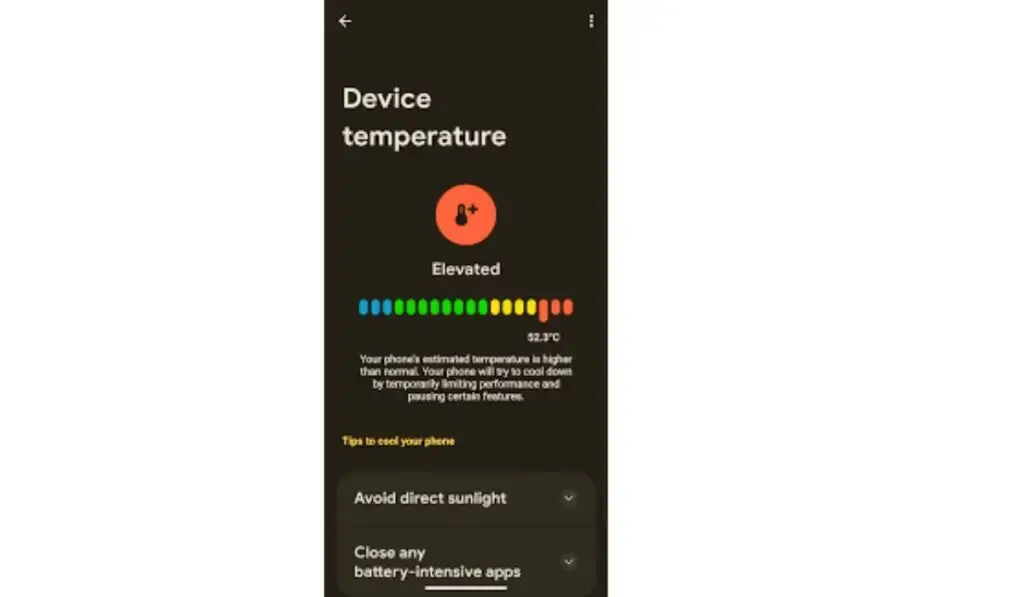
Heat and battery life are closely connected. If your device heats up, the battery drains faster.
If you have already read Android phone overheating fix↗️, you’ll know about overheating:
- Degrades battery health
- Forces CPU throttling
- Increases power consumption
Fix:
- Remove phone covers during heavy use
- Avoid charging while gaming
- Keep the phone out of direct sunlight
🔗 Trusted source: Android battery health tips from Google↗️
4. Screen Brightness Set Too High
Your display consumes more battery than almost any other component.
Fix:
- Enable Adaptive Brightness
- Reduce screen timeout to 30–60 seconds
- Avoid live wallpapers
This simple change alone can reduce Android phone battery draining fast significantly.
5. Full Storage Causes Battery Drain
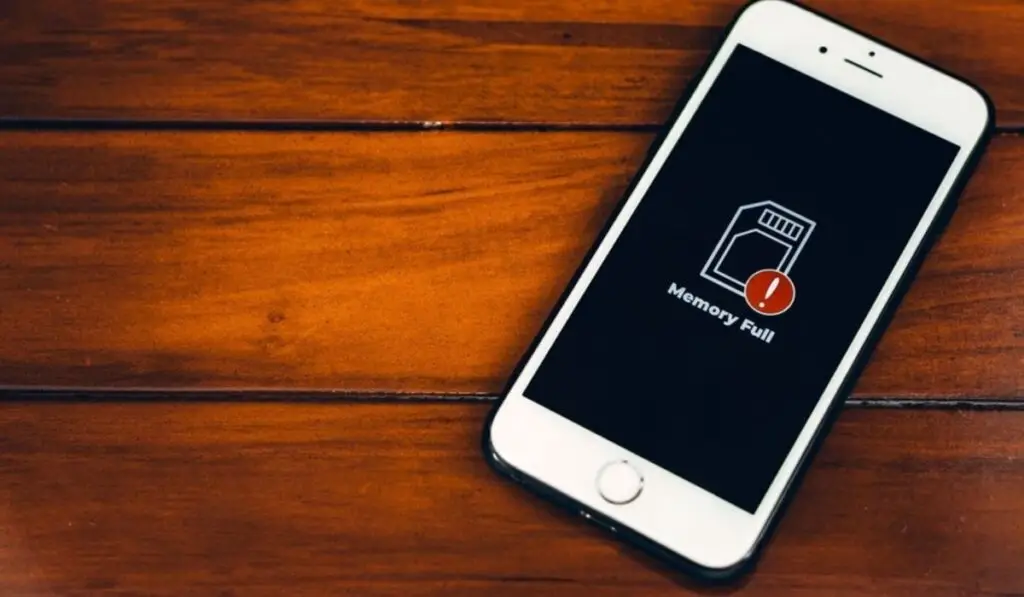
Many users don’t realize that Phone Storage Full But Nothing to Delete↗️ also affects battery life.
When storage is full:
- System processes struggle
- Cache builds up
- Apps become inefficient
Fix:
- Clear app cache (Settings → Storage)
- Delete unused downloads
- Move media to cloud or SD card
📌 This improves performance and battery efficiency together.
6. Outdated Android Version or Bugs
Running an outdated OS can lead to battery optimization issues.
Fix:
- Go to Settings → Software Update
- Install the latest available update
- Restart your phone after updating
Manufacturers often release battery performance fixes in updates.
🔗 Samsung battery optimization guide
7. Location Services Always ON
GPS and location tracking can cause an Android phone battery draining fast, especially if multiple apps constantly access location.
Fix:
- Set location access to “While using the app.”
- Turn off Bluetooth and WiFi scanning
- Disable location history
8. Push Notifications Overload
Every notification wakes your phone.
Fix:
- Disable notifications for non-essential apps
- Turn off vibration for notifications
- Use Do Not Disturb during idle hours
9. Fast Charging and Poor Chargers
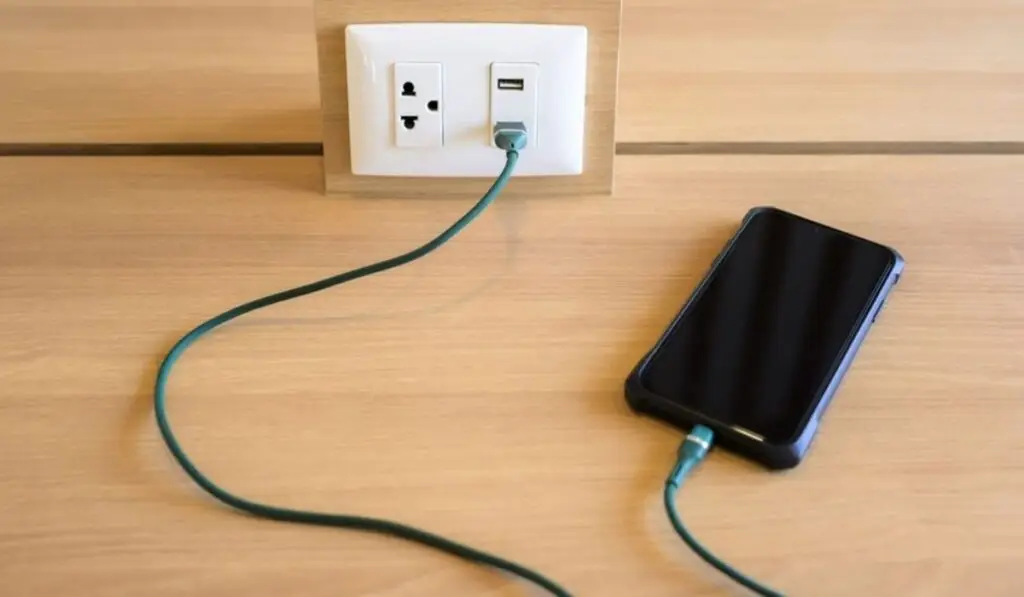
Using low-quality chargers damages battery health over time.
Fix:
- Use original or certified chargers
- Avoid overnight charging
- Don’t use your phone heavily while charging
10. Battery Calibration Issue
Sometimes, the battery percentage is inaccurate, making it feel like the Android phone battery draining fast.
How to Calibrate:
- Use the phone until it reaches 0%
- Power off and charge to 100%
- Leave charging for 30 minutes
- Restart device
11. Too Many Widgets and Live Wallpapers
Widgets update frequently and drain battery.
Fix:
- Remove unused widgets
- Use static wallpapers
- Keep the home screen minimal
12. Malware or Hidden Apps
Some malicious apps drain battery in the background.
Fix:
- Install apps only from the Play Store
- Remove unknown apps
- Run Play Protect scan
🔗 Google Play Protect↗️ official info
13. Battery Health Degradation (Old Phones)
If your phone is over 2–3 years old, battery wear is normal.
Signs:
- The battery drops suddenly
- Phone shuts down below 20%
- Charging takes longer
Solution:
- Replace battery (recommended)
- Use battery saver mode
14. Enable Android Battery Saver Mode
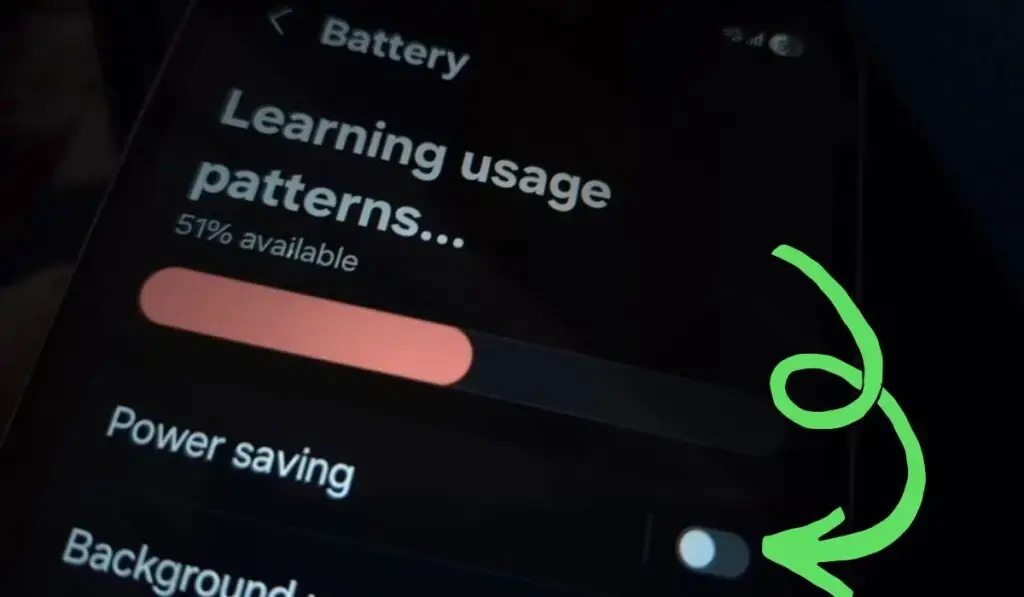
Battery Saver limits background activity.
How:
- Settings → Battery → Battery Saver
- Enable at 20% or 30%
This helps slow down the Android phone battery draining fast in critical situations.
15. Factory Reset (Last Option)
If nothing works, a clean system may solve deep software issues.
⚠️ Backup data before resetting.
FAQs:
❓ Why is my Android phone battery draining fast even when I’m not using it?
Your Android phone battery may drain fast due to background apps, poor network signal, high screen brightness, outdated software, or location services running continuously.
❓ Can overheating cause fast battery drain on Android phones?
Yes. Overheating increases power consumption and damages battery efficiency. Fixing overheating issues can significantly reduce battery drain.
❓ Does full storage affect Android battery life?
Absolutely. When phone storage is full, the system works harder to manage apps and cache, which causes faster battery drain.
❓ Why does my battery drain faster when mobile data or WiFi is on?
Weak mobile signals or WiFi connected without internet force your phone to search for networks continuously, increasing battery usage.
Final Thoughts
If your Android phone battery is draining fast, the issue is usually a combination of background apps, network problems, overheating, and storage overload. Fixing these together—not separately—gives the best results.
Apply the steps above, and you’ll notice longer battery life, better performance, and fewer system issues overall.