

Few things are more frustrating than when WiFi keeps disconnecting on Android phone, especially when you’re watching videos, attending online meetings, gaming, or browsing social media. One moment everything works fine, and the next moment your phone drops the WiFi connection and switches to mobile data, or loses internet completely.
The good news?
This is a very common Android problem, and in most cases, it can be fixed without visiting a service center.
In this in-depth guide, you’ll learn why WiFi keeps disconnecting on Android phone, what causes it, and step-by-step solutions that actually work — explained in simple, beginner-friendly language.
What Does “WiFi Keeps Disconnecting on Android Phone” Mean?
When WiFi keeps disconnecting on Android phone, it usually means:
- The phone connects to WiFi successfully
- After a few seconds or minutes, it disconnects automatically
- The cycle repeats again and again
This issue can occur:
- On home WiFi
- On office or school networks
- On public WiFi
- Even when the WiFi works perfectly on other devices
Common Reasons Why WiFi Keeps Disconnecting on Android Phone
Understanding the root cause makes fixing the issue much easier.
1. Weak or Unstable WiFi Signal
If the WiFi signal is weak or fluctuating, Android may disconnect automatically to prevent poor connectivity.
2. Power Saving Features Interfering
Battery Saver and Adaptive Battery features often restrict WiFi in the background.
This can also link with:
The Android phone battery is draining fast
3. Incorrect Network Settings
Saved WiFi configurations can become corrupted over time, causing repeated disconnections.
4. Router Configuration Issues
Sometimes, the problem is not your phone, but:
- Router firmware bugs
- Channel interference
- DHCP issues
5. Android Software Bugs
System updates sometimes introduce bugs affecting WiFi stability.
6. Phone Overheating
Overheating forces Android to disable radios like WiFi to protect hardware.
If your device feels hot, read:
Android phone overheating fix
7. Conflict Between WiFi and Mobile Data
Android may switch between WiFi and mobile data when it detects unstable internet.
This is often connected with:
Mobile data not working
8. VPN or DNS Issues
VPNs and private DNS settings can cause WiFi to disconnect repeatedly.
Step-by-Step Fixes for WiFi Keeps Disconnecting on Android Phone
Follow these fixes in order. Most users solve the problem before reaching the last steps.
Fix 1: Restart Your Phone and Router
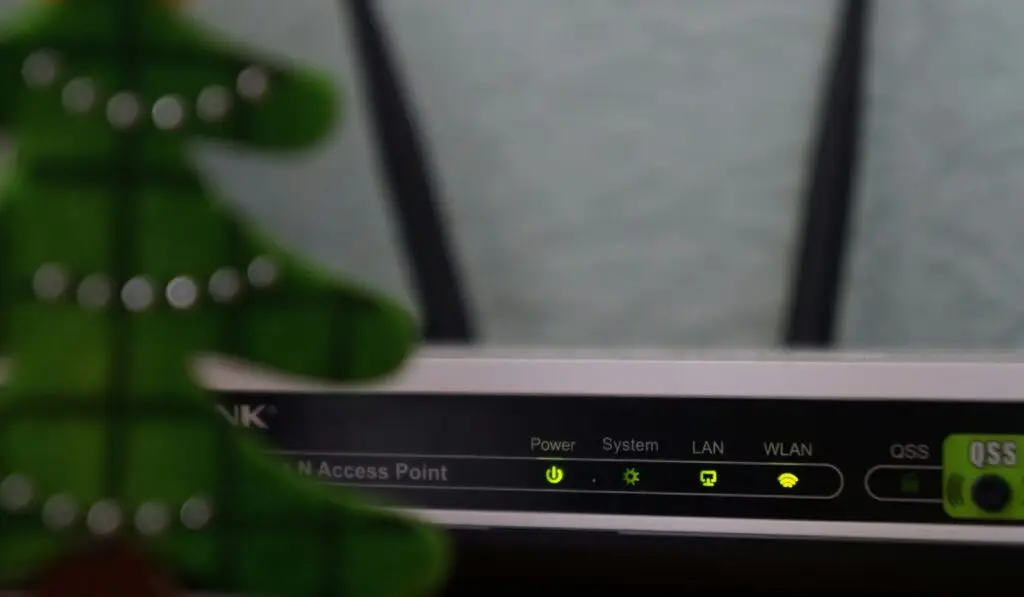
This sounds simple, but it works more often than people expect.
- Restart your Android phone
- Power off your WiFi router for 30 seconds
- Turn it back on and reconnect
This clears the temporary cache and network conflicts.
Fix 2: Forget and Reconnect the WiFi Network
Corrupted saved networks are a top cause when WiFi keeps disconnecting on Android phone.
Steps:
- Settings → WiFi
- Tap the connected network
- Select Forget
- Restart phone
- Reconnect and enter the password again
Fix 3: Turn Off Battery Saver and Adaptive Battery
Disable Battery Saver:
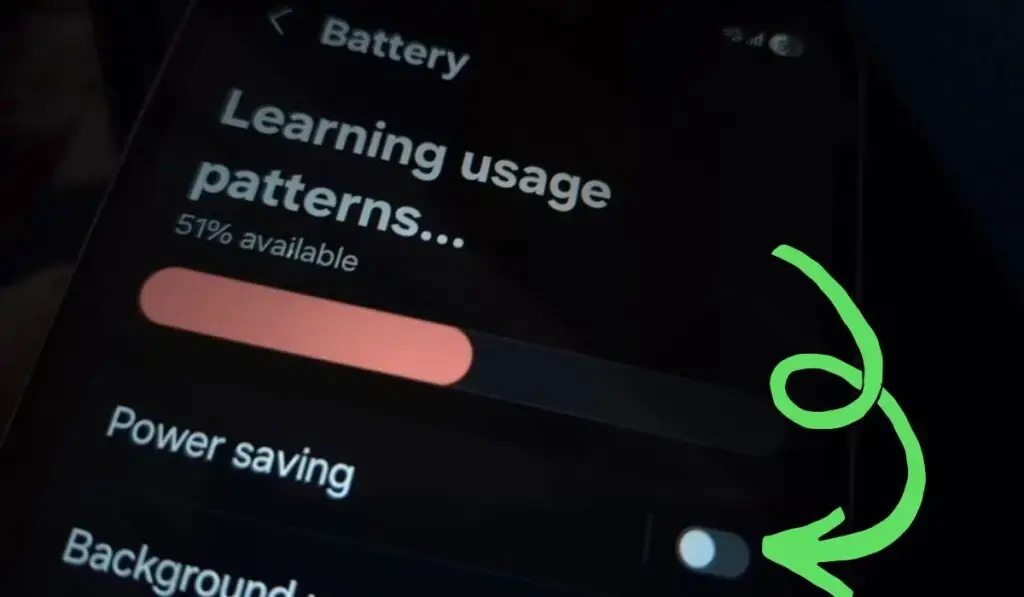
- Settings → Battery → Battery Saver → OFF
Disable Adaptive Battery:
- Settings → Battery → Adaptive Battery → OFF
Battery restrictions are closely linked with background network drops.
Fix 4: Disable WiFi Scanning and Location Services
Android uses WiFi scanning for location accuracy, which can cause interference.
Steps:
- Settings → Location
- Location services
- Turn off WiFi scanning
Fix 5: Turn Off Smart Network Switch / Adaptive Connectivity
Some phones automatically switch networks.
- Settings → Network & Internet
- Disable Switch to mobile data or Adaptive connectivity
If WiFi disconnects and mobile data activates, this is the reason.
Fix 6: Check If WiFi Says “Connected But No Internet”
If your phone connects but shows no internet, read:
Phone connected to Wi-Fi but no internet
This issue often overlaps with WiFi disconnecting problems.
Fix 7: Reset Network Settings (Highly Effective)
This resets:
- WiFi
- Mobile data
- Bluetooth
No personal data is deleted.
Steps:
- Settings → System
- Reset options
- Reset network settings
- Restart phone
Fix 8: Update Android Software
Outdated software can contain WiFi bugs.
- Settings → Software update
- Install the latest update
- Restart device
If your phone shuts down randomly during WiFi usage, check:
The Android phone turns off suddenly
Fix 9: Disable VPN and Private DNS

VPNs are one of the most ignored reasons why WiFi keeps disconnecting on Android phone.
Turn off VPN:
- Settings → VPN → Disconnect
Disable Private DNS:
- Network & Internet → Private DNS → Automatic
Fix 10: Change WiFi Frequency Band (Router Side)
Many routers use both:
- 2.4GHz
- 5GHz
Older or budget phones struggle with unstable 5GHz signals.
Try:
- Connect to a 2.4GHz network
- Or move closer to the router
Fix 11: Clear Cache Partition (Advanced)
This clears the system-level cache without deleting data.
(Steps vary by brand; search your model instructions)
Fix 12: Safe Mode Test
Booting into Safe Mode helps identify if an app is causing the issue.
If WiFi works fine in Safe Mode, a third-party app is the problem.
Common culprits:
- VPN apps
- Battery optimizers
- Network boosters
Fix 13: Check Storage Space
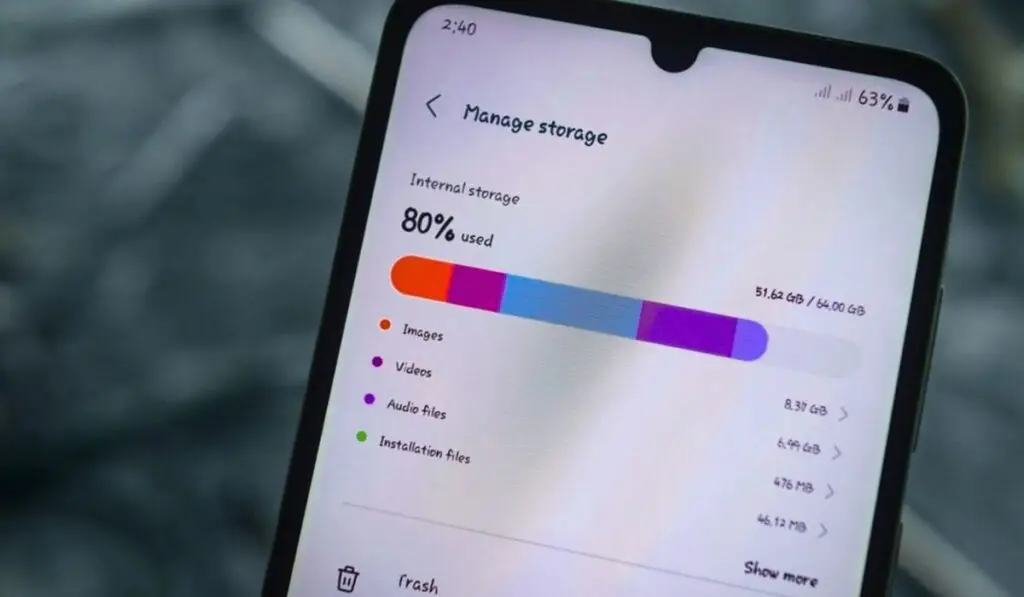
Low storage can affect system services, including WiFi.
If your phone storage is almost full, read:
Phone storage full but nothing to delete
Fix 14: Reset Router Settings (If Other Devices Also Disconnect)
If WiFi keeps disconnecting on android phone of others as well:
- Update router firmware
- Reset the router to factory settings
- Change the WiFi channel
When WiFi Issues Trigger Other Android Problems
WiFi instability often appears alongside:
- Apps not opening on Android phone
- Fast charging not working on Android
- Android phone charging slowly fix
- Phone battery percentage jumps suddenly
These symptoms usually indicate system instability or power management issues.
WiFi vs Hotspot Conflicts
If you frequently switch between WiFi and hotspot, conflicts may occur.
Related guide:
Mobile hotspot connected, but no internet
External Trusted Resources (Authority Links)
For deeper technical understanding, refer to these authoritative sources. These can also help you in (Wifi keeps disconnecting on Android phone):
- Android WiFi troubleshooting guide – Android Help
https://support.google.com/android/answer/9075847 - Common WiFi issues explained – Android Central
https://www.androidcentral.com/common-wifi-problems-and-how-fix-them - Router signal and interference guide – How-To Geek
https://www.howtogeek.com/194287/how-to-troubleshoot-wi-fi-connection-problems/
Final Verdict
If WiFi keeps disconnecting on Android phone, the issue is almost always caused by:
- Power saving restrictions
- Network configuration bugs
- Router instability
- VPN or software conflicts
By following this guide step by step, 90% of users can permanently fix the issue without professional repair.
If none of the solutions work, the problem may be hardware-related — especially on older devices.
🔹 FAQs: WiFi Keeps Disconnecting on Android Phone
❓ Why does WiFi keep disconnecting on Android phone?
WiFi keeps disconnecting on Android phone mainly due to weak signal strength, battery saver restrictions, corrupted network settings, software bugs, router issues, or conflicts with VPN and mobile data switching features.
❓ How can I fix WiFi keeps disconnecting on Android phone permanently?
To permanently fix WiFi keeps disconnecting on Android phone, restart your phone and router, forget and reconnect the WiFi network, disable battery saver, reset network settings, turn off VPN, and keep Android software updated.
❓ Why does my Android WiFi disconnect when the screen turns off?
This happens because Android limits background network usage. Disabling battery optimization for WiFi and turning off aggressive power-saving features usually fixes this issue.
❓ Why does WiFi disconnect only on my Android phone and not on others?
This usually indicates corrupted WiFi settings, incompatible WiFi band, system bugs, or problematic apps installed on that specific Android phone.