Fast charging not working mainly due to incompatible chargers, damaged cables, overheating, background power usage, disabled fast charging settings, or battery health issues. Using a non-certified adapter, charging via PC, or software bugs can also prevent fast charging from activating.
Table of Contents
- Quick Fix Checklist
- What Is Fast Charging and How Does It Work?
- Why Is Fast Charging Not Working on My Phone?
- Can Software Updates Break Fast Charging?
- How to Check If Fast Charging Is Working
- What Charging Speed Is Considered Fast?
- Can a Damaged Cable Stop Fast Charging?
- Does Using the Phone While Charging Stop Fast Charging?
- Why Fast Charging Works Sometimes and Sometimes Not
- Advanced Fixes for Fast Charging Issues
- When Should You Visit a Technician?
- Frequently Asked Questions
✅ Quick Fix Checklist (Try These First)
Before diving deep, check these instant fixes:
- Use the original fast charger & cable
- Plug directly into a wall socket
- Remove phone cover (heat trap)
- Enable Fast Charging in settings
- Clean the charging port carefully
- Turn on Airplane Mode
- Restart the phone
- Check if the phone is overheating
👉 If fast charging not working yet, continue below.
What Is Fast Charging and How Does It Work?
Fast charging is a technology that allows your phone to charge at higher wattage by increasing voltage or current while managing heat.
According to Android battery charging best practices, using certified chargers and avoiding excessive heat is essential for maintaining safe fast charging performance.
Different brands use different fast-charging standards:
- USB Power Delivery (USB-PD) – Google, Samsung
- Qualcomm Quick Charge – Many Android phones
- VOOC / Warp / SuperCharge – Oppo, OnePlus, Huawei
⚠️ If your charger or cable doesn’t support your phone’s fast-charging standard, fast charging not working.
Why Is Fast Charging Not Working on My Phone?
1. Incompatible Charger or Cable (Most Common Reason)
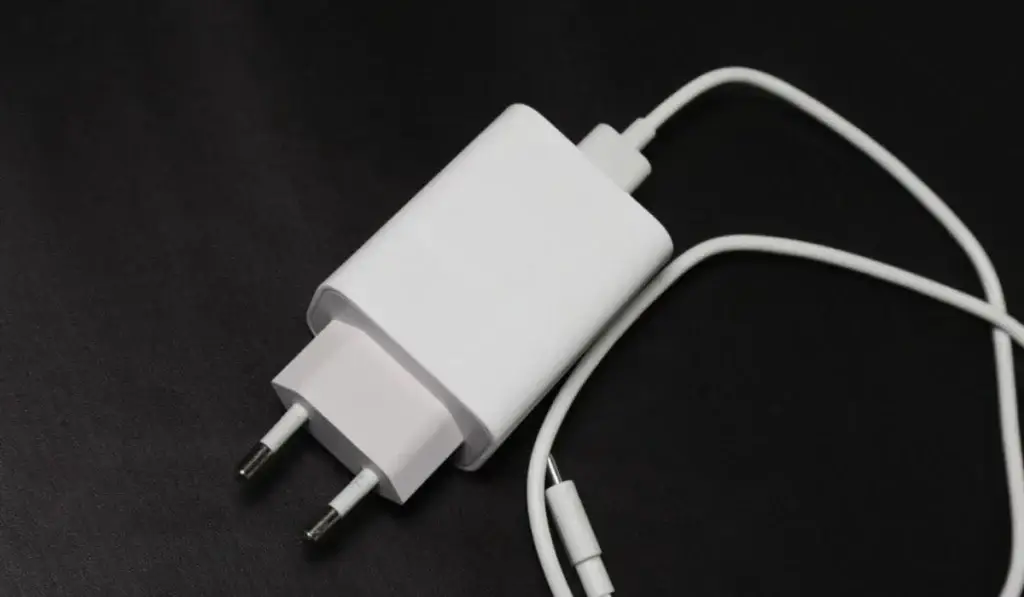
Fast charging only works with supported hardware.
If your charger does not support the USB Power Delivery standard, your phone may fall back to normal charging, and you will face fast charging not working.
Problems include:
- Cheap or local charger
- Old USB cable
- Cable supports charging, but not fast charging
✔ Solution:
- Use the original charger
- Use a certified fast-charging cable
- Check charger wattage (18W / 25W / 33W / 65W)
2. Fast Charging Disabled in Settings
Some Android phones allow fast charging to be turned off manually. In this case, you will face: fast charging not working.
How to Enable Fast Charging:
- Open Settings
- Go to Battery
- Tap Charging / More battery settings
- Enable:
- Fast charging
- Super fast charging (if available)
📌 After updates, this option sometimes resets.
3. Phone Is Overheating While Charging
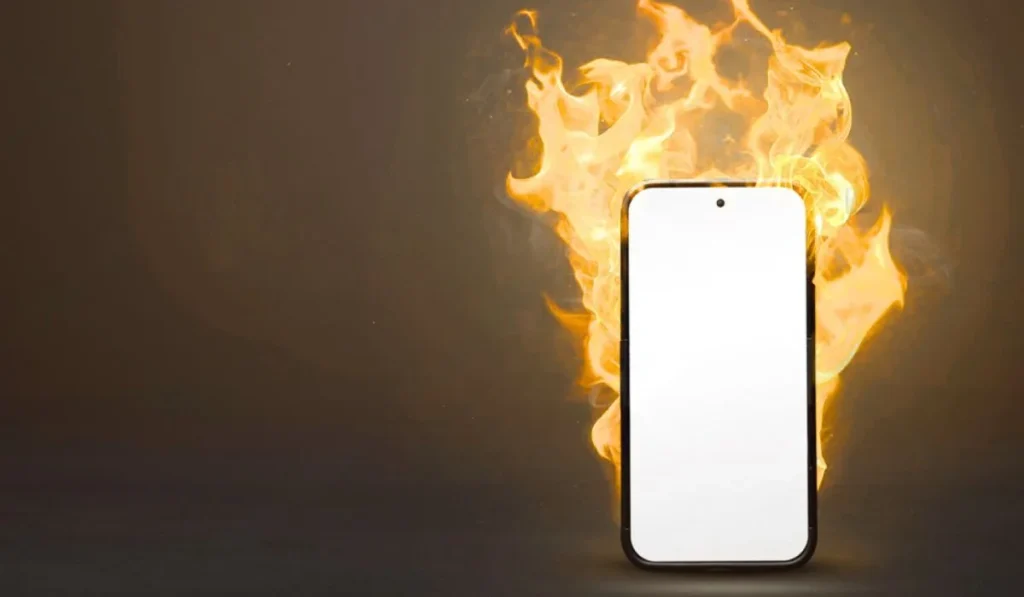
Fast charging automatically stops if the phone temperature rises too high.
Common causes:
- Heavy apps running
- Gaming while charging
- Thick phone covers
- Hot environment
🔗 Related fix: Android Phone Overheating Fix
✔ Solution:
- Stop using your phone while charging
- Remove phone case
- Charge in a cool room
4. Charging Port Is Dirty or Loose
Dust, lint, or oxidation inside the charging port can block power flow.
Signs:
- Charging connects/disconnects
- Phone charges slowly
- The cable feels loose
✔ Safe Cleaning Method:
- Power off the phone
- Use a wooden toothpick
- Blow compressed air gently
- Never use metal pins
By cleaning the charging ports, the issue “Fast charging not working” can be resolved sometimes.
5. Phone Charging Slowly Due to Background Usage
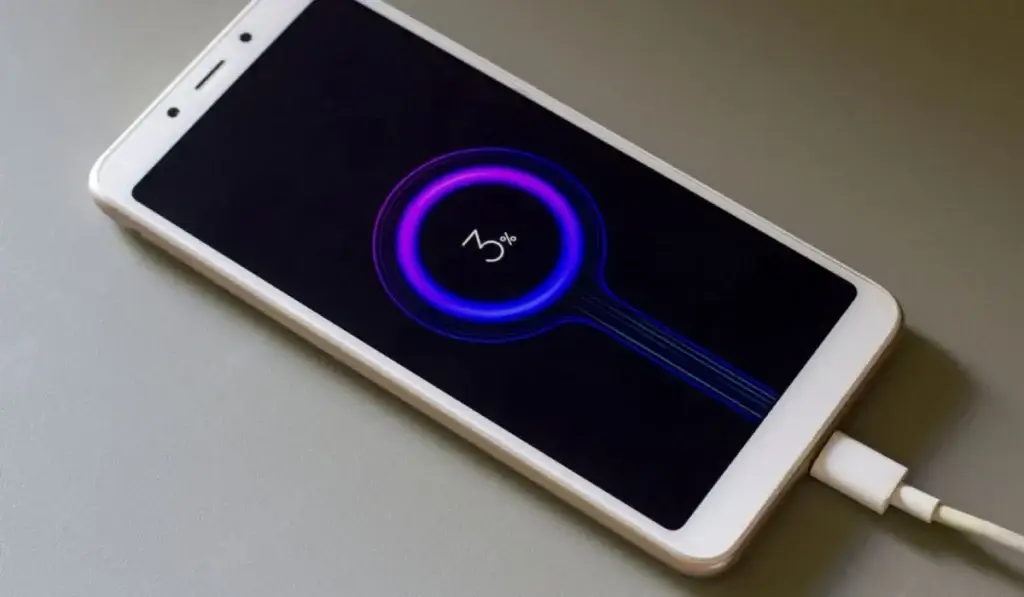
Fast charging only works when the phone can control power flow.
If background apps consume power:
- Fast charging won’t activate
- Battery % increases slowly
🔗 Related guide: Android Phone Charging Slowly Fix
✔ Solution:
- Enable Airplane Mode
- Close background apps
- Turn off hotspot & Bluetooth
6. Charging from Laptop or Power Bank
USB ports from:
- Laptops
- PCs
- Cars
- Power banks
👉 Do NOT support fast charging (in most cases)
✔ Always use:
- Wall socket
- Original adapter
7. Battery Health Has Degraded
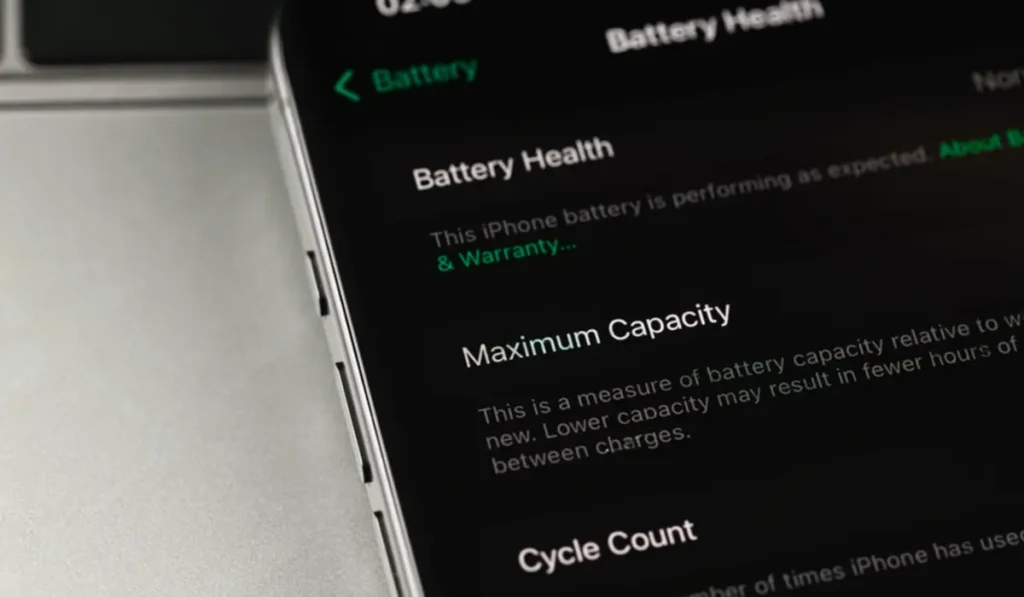
Older batteries lose their ability to handle high wattage safely.
Signs:
- Fast charging worked before, but now it has stopped
- The battery drains fast
- Battery percentage jumps suddenly
🔗 Related: Phone Battery Percentage Jumps Suddenly
🔗 Related: Android Phone Battery Draining Fast
✔ Solution:
- Check battery health via diagnostics
- Replace the battery if the health is below 80%
Can Software Updates Break Fast Charging?
Yes. Sometimes Android updates introduce:
- Charging bugs
- Power management conflicts
- Disabled fast charging profiles
✔ Fixes:
- Restart phone
- Clear cache partition (Recovery mode)
- Install the latest security patch
📌 Avoid factory reset unless nothing else works.
How to Check If Fast Charging Is Actually Working?
Method 1: Lock Screen Indicator
Look for:
- “Fast charging”
- “Charging rapidly”
- “Super fast charging”
Method 2: Battery Settings
Shows:
- Estimated time to full charge
Method 3: Charging Apps
Use apps like:
- Ampere
- AccuBattery
⚠️ Don’t rely fully on apps; they show estimates.
What Charging Speed Is Considered Fast?
| Charger Wattage | Charging Type |
|---|---|
| 5W | Normal |
| 10W | Slightly faster |
| 18W | Fast charging |
| 25W+ | Super fast charging |
If your phone supports 25W and you use 10W → fast charging won’t work.
Can a Damaged Cable Stop Fast Charging?
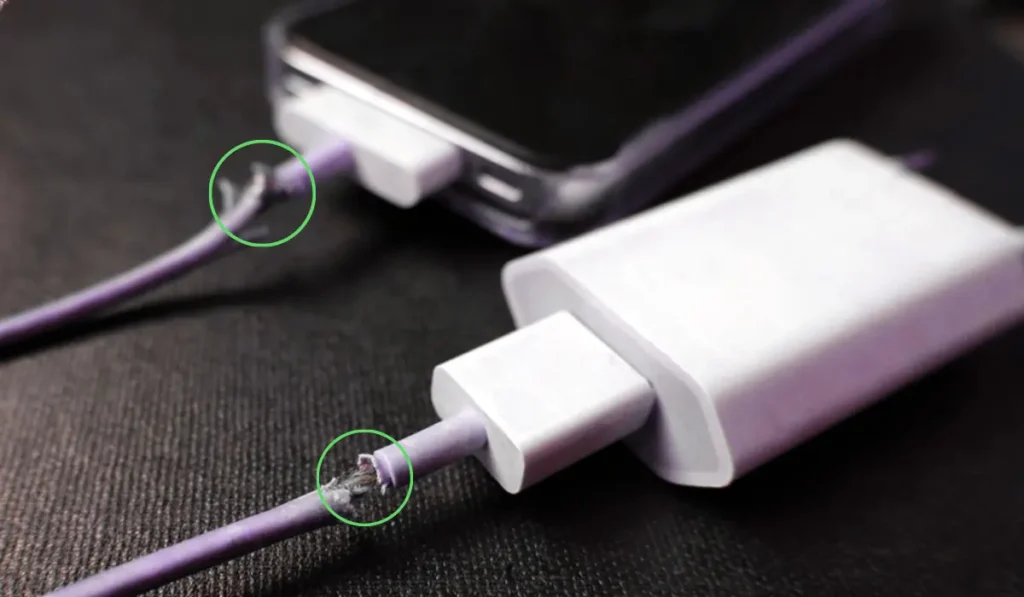
Absolutely. Even if:
- Cable charges the phone
- Cable looks fine
Internal wire damage can block fast charging pins.
✔ Always test with:
- Another certified cable
- Another fast charger
Does Using the Phone While Charging Stop Fast Charging?
Yes.
Activities that disable fast charging:
- Gaming
- Video streaming
- Heavy apps
- Mobile data + hotspot
🔗 Related: Mobile Data Not Working
✔ Best practice:
- Lock phone
- Use Airplane Mode
Why Fast Charging Works Sometimes and Sometimes Not?
This usually happens due to:
- Temperature changes
- Battery percentage above 80%
- Power optimization system
📌 Fast charging slows down automatically after 80% to protect battery health.
Advanced Fixes (Only If Needed)
1. Reset Battery Calibration
- Use phone until 0%
- Power off
- Charge to 100% without interruption
2. Safe Mode Test
- Boot into Safe Mode
- Plug charger
- If fast charging works → third-party app issue
🔗 Related: Apps Not Opening on Android Phone
When Should You Visit a Technician?
Go to the service center if:
- The charging port is loose
- Phone heats instantly
- Battery swollen
- Fast charging never worked, even with the original charger
2026 Update: New Chargers & USB-C Changes You Should Know
With newer Android devices shifting fully to USB-C Power Delivery (PD 3.0 / PPS) standards, many older chargers may no longer trigger proper fast charging.
Recent phones now use:
- USB-C to USB-C cables only (USB-A may limit speed)
- PPS (Programmable Power Supply) for stable high-watt charging
- Smart charging optimization powered by AI to protect battery health
If you recently upgraded your phone but kept your old charger, this alone can cause fast charging not working issues.
✔ Quick 2026 Tip:
- Use a USB-C PD 3.0 + PPS certified charger
- Use a 5A-rated USB-C cable
- Check if “Adaptive Charging” or “Optimized Charging” is limiting speed
Many users think fast charging is broken, but in reality, the phone is intelligently slowing charging to protect battery lifespan.
Final Thoughts
Fast charging not working is rarely a serious hardware issue.
In most cases, the problem is caused by chargers, cables, settings, heat, or battery health.
Follow the checklist, use certified accessories, and protect your battery — fast charging will work reliably again.
FAQ’s: Fast Charging not working
❓ Why is fast charging not working even with the original charger?
Fast charging may stop if the phone is overheating, the cable is damaged, fast charging is disabled in settings, or the battery health has degraded. Software bugs and background power usage can also prevent fast charging.
❓ Can software updates disable fast charging?
Yes. Android updates can temporarily affect charging behavior due to power optimization changes or bugs. Restarting the phone or installing the latest patch usually resolves the issue.
❓ Can a cheap cable stop fast charging?
Yes. Many low-quality cables support charging but not fast charging. Always use certified cables that support high wattage and data transfer.
❓ Is fast charging safe for Android phones?
Fast charging is safe when using original or certified chargers. Modern Android phones automatically manage heat and voltage to prevent battery damage.