Introduction
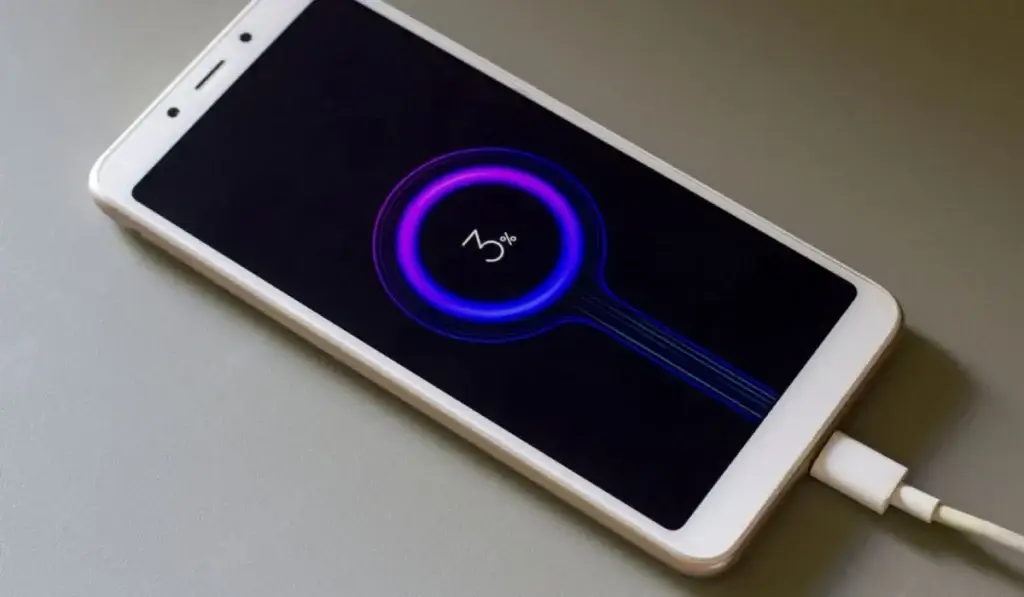
Is your Android phone charging painfully slow, even when plugged in for hours? You’re not alone. Slow charging is one of the most common Android problems and can be caused by chargers, cables, apps, battery health, overheating, or even software issues.
In this complete Android phone charging slowly fix guide, you’ll learn the exact reasons why your phone charges slowly and step-by-step solutions that actually work on Samsung, Xiaomi, Oppo, Vivo, OnePlus, Pixel, and other Android phones.
Whether your phone says “Charging slowly”, “Connected, not charging”, or barely increases battery percentage, this guide will help you fix it.
Why Is My Android Phone Charging Slowly?
Before applying any Android phone charging slowly fix, you need to understand the root causes:
- Faulty charging cable or adapter
- Low-power USB ports
- Dirty charging port
- Background apps consume power
- Overheating issues
- Old or damaged battery
- Software bugs or an outdated system
- Incorrect charging habits
Let’s fix them one by one.
1. Check Your Charging Cable and Adapter (Most Common Fix)
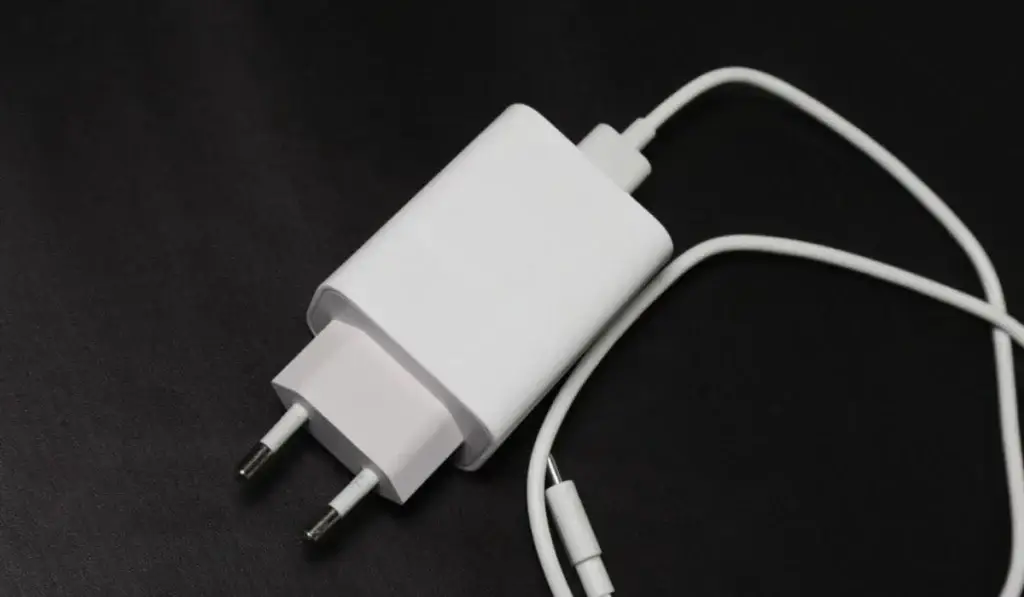
A damaged or low-quality cable is the number one reason behind slow charging.
How to Fix:
- Use the original charger that came with your phone
- Avoid cheap third-party cables
- Check if the cable is loose or bent
- Try charging another phone with the same cable
If charging speed improves with another charger, you’ve found your Android phone charging slowly fix.
2. Use a Wall Socket Instead of USB Ports
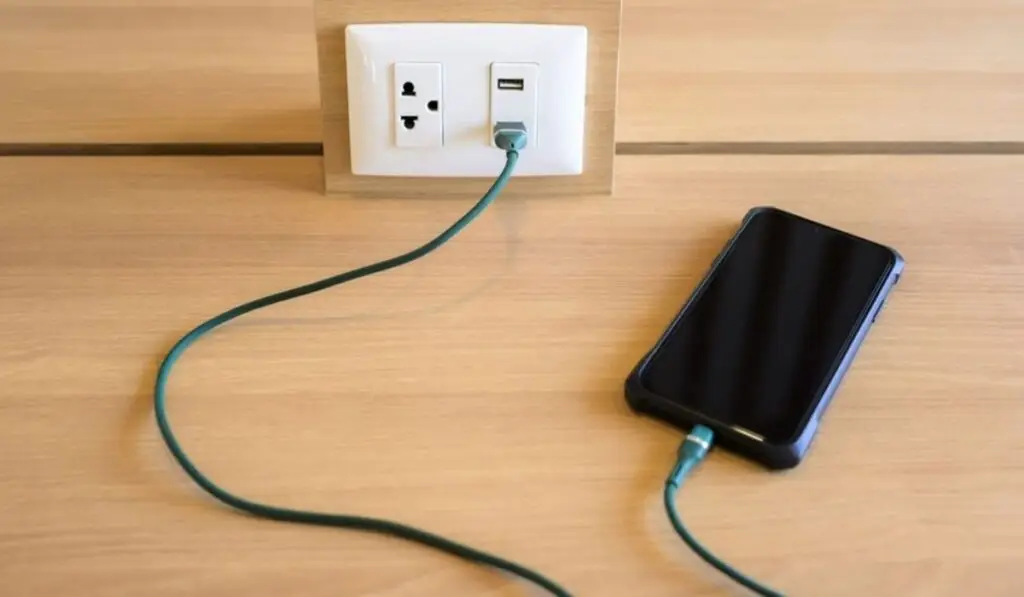
Charging through:
- Laptop USB ports
- Power banks
- Car chargers
provides very low power output.
Fix:
Always plug your charger into a wall socket for faster charging.
3. Clean the Charging Port (Very Important)
Dust, lint, and pocket debris block proper connection.
Steps:
- Power off your phone
- Use a wooden toothpick or soft brush
- Gently clean inside the charging port
- Avoid metal pins
Many users solve their Android phone charging slowly fix instantly after cleaning the port.
4. Avoid Using the Phone While Charging
Using apps, gaming, or watching videos while charging increases power consumption.
Fix:
- Lock the screen
- Avoid gaming
- Do not use a hotspot while charging
Your phone will charge much faster.
5. Enable Airplane Mode While Charging
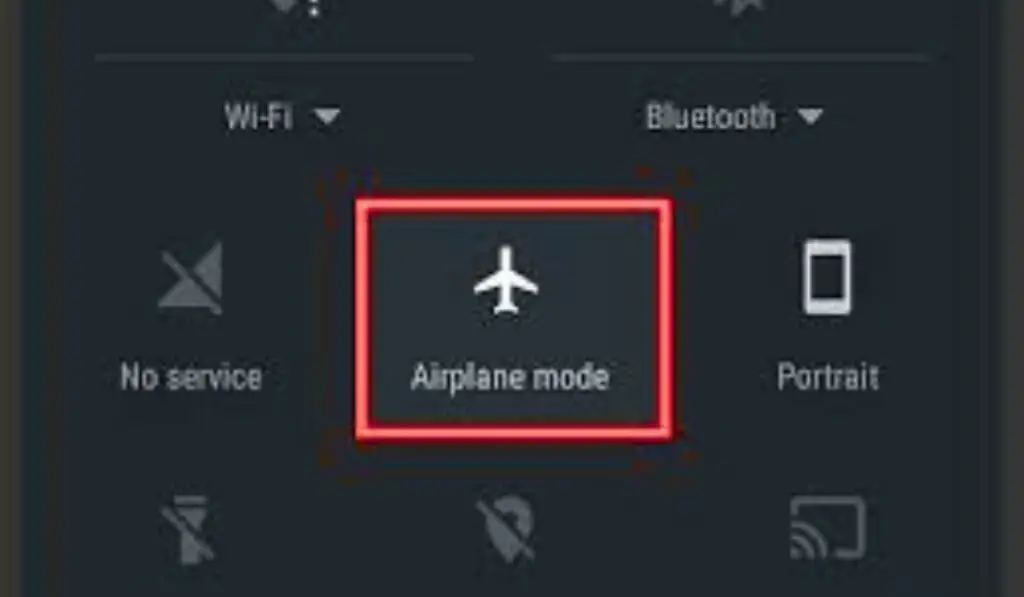
Airplane mode disables:
- Mobile data
- WiFi
- Bluetooth
Steps:
- Turn on Airplane Mode
- Plug-in charger
This simple trick works as an instant Android phone charging slowly fix.
6. Close Background Apps Draining Battery

Apps running in the background consume power while charging.
Fix:
- Go to Settings → Battery → Usage
- Identify power-hungry apps
- Force stop unnecessary apps
If apps are misbehaving, see our guide on Apps Not Opening on Android Phone↗️ for deeper fixes.
7. Phone Overheating Can Slow Charging
Android automatically slows charging when the phone gets hot.
Signs:
- Phone feels warm
- Charging speed drops
- Warning messages appear
Fix overheating first using our Android phone overheating fix↗️ guide before applying further charging solutions.
8. Remove Phone Case While Charging
Thick cases trap heat and slow down charging.
Fix:
Remove the case while charging, especially during fast charging sessions.
9. Check Battery Health (Old Phones)
Lithium batteries degrade over time.
Signs of a bad battery:
- Phone heats up quickly
- Battery percentage jumps
- Charges very slowly
If your battery drains fast, too, check the Android Phone Battery Draining Fast↗️ guide.
Sometimes replacing the battery is the only long-term android phone charging slowly fix.
10. Update Android Software
Software bugs can affect charging speed.
Steps:
- Settings → Software Update
- Download & install updates
- Restart phone
Google confirms↗️ updates improve battery and charging performance
11. Disable Fast Charging (Temporarily)
Some phones throttle fast charging due to heat or bugs.
Steps:
- Settings → Battery
- Disable Fast Charging
- Restart phone
Re-enable later if needed.
12. Avoid Charging from Power Banks Frequently
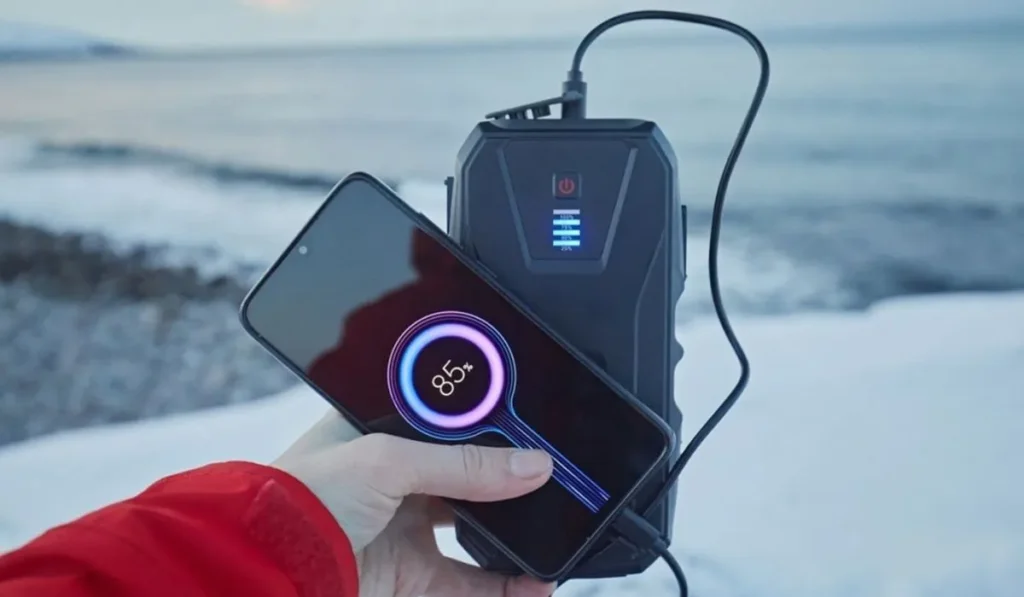
Most power banks deliver unstable voltage.
Fix:
Use wall charging whenever possible.
13. Reset Charging-Related Settings (Safe)
Resetting system settings can fix charging bugs.
Steps:
- Settings → System → Reset Options
- Reset App Preferences (not factory reset)
This does NOT delete personal data.
14. Full Storage Can Affect Charging Performance
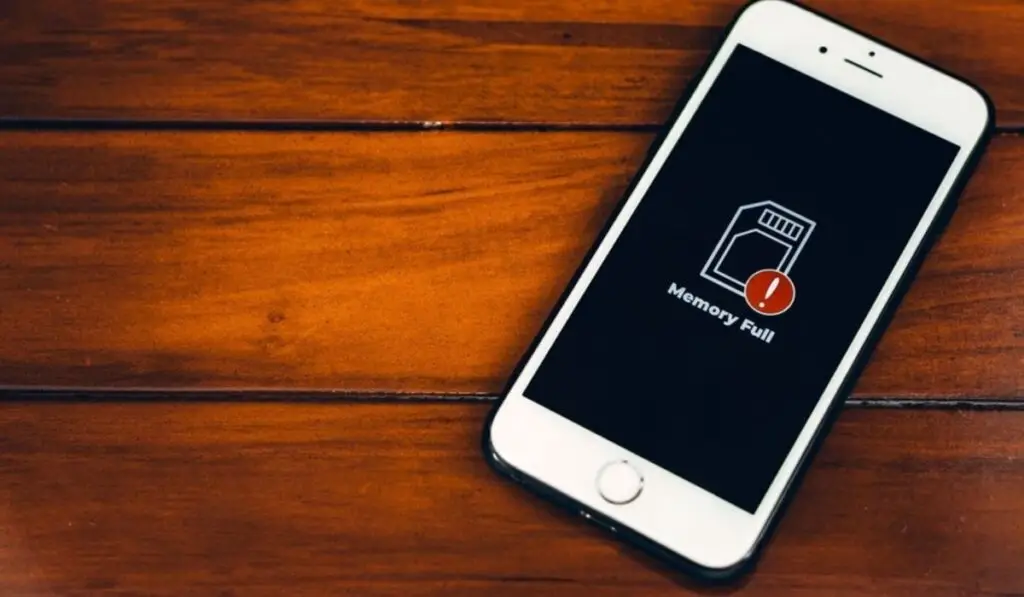
When storage is full, background processes consume more power.
If your phone shows storage full but nothing to delete, fix it using Phone Storage Full But Nothing to Delete↗️ guide.
Free storage helps charging efficiency.
15. Factory Reset (Last Option)
Use only if nothing works.
Before Reset:
- Backup data
- Try all fixes above
A factory reset should be your final Android phone charging slowly fix.
Trusted External Resources
FAQs:
❓ Why is my Android phone charging slowly even with a fast charger?
The most common reasons include a damaged cable, dirty charging port, background apps, overheating, or poor battery health. Applying the correct android phone charging slowly fix usually restores normal charging speed.
❓ Can overheating cause Android phone charging slowly issues?
Yes. When a phone overheats, Android automatically slows charging to protect the battery. Fixing overheating is an important android phone charging slowly fix, especially during fast charging.
❓ Does full phone storage affect charging speed on Android?
Yes. When storage is full, the system runs inefficiently and consumes more power. Clearing storage can help as an indirect android phone charging slowly fix.
❓ Is it safe to use my phone while charging slowly?
Using your phone while charging increases power usage and heat, which makes charging slower. Avoiding usage during charging is a simple android phone charging slowly fix.
❓ Should I replace the battery if my Android phone charges slowly?
If your phone is older than 2–3 years and charging remains slow after applying fixes, battery replacement may be the most effective android phone charging slowly fix.
❓ Can software updates fix Android phone charging slowly problems?
Yes. Software bugs can affect charging behavior. Installing updates can sometimes resolve android phone charging slowly fix issues automatically.
Final Thoughts
Slow charging doesn’t always mean a broken phone. In most cases, the right Android phone charging slowly fix can restore normal charging speed within minutes.
Start with the basics:
- Charger
- Cable
- Port cleaning
Then move toward software and battery health solutions.
By following this guide, you can safely fix slow charging issues without damaging your device.